Self checkout
Introduction
Evergreen includes a self check interface designed for libraries that simply want to record item circulation without worrying about security mechanisms like magnetic strips or RFID tags.
Initializing the self check
The self check interface runs in a web browser. Before patrons can use the self check station, a staff member must initialize the interface by logging in.
-
Open your self check interface page in a web browser. By default, the URL is
https://[hostname]/eg/circ/selfcheck/main, where [hostname] represents the host name of your Evergreen web server. -
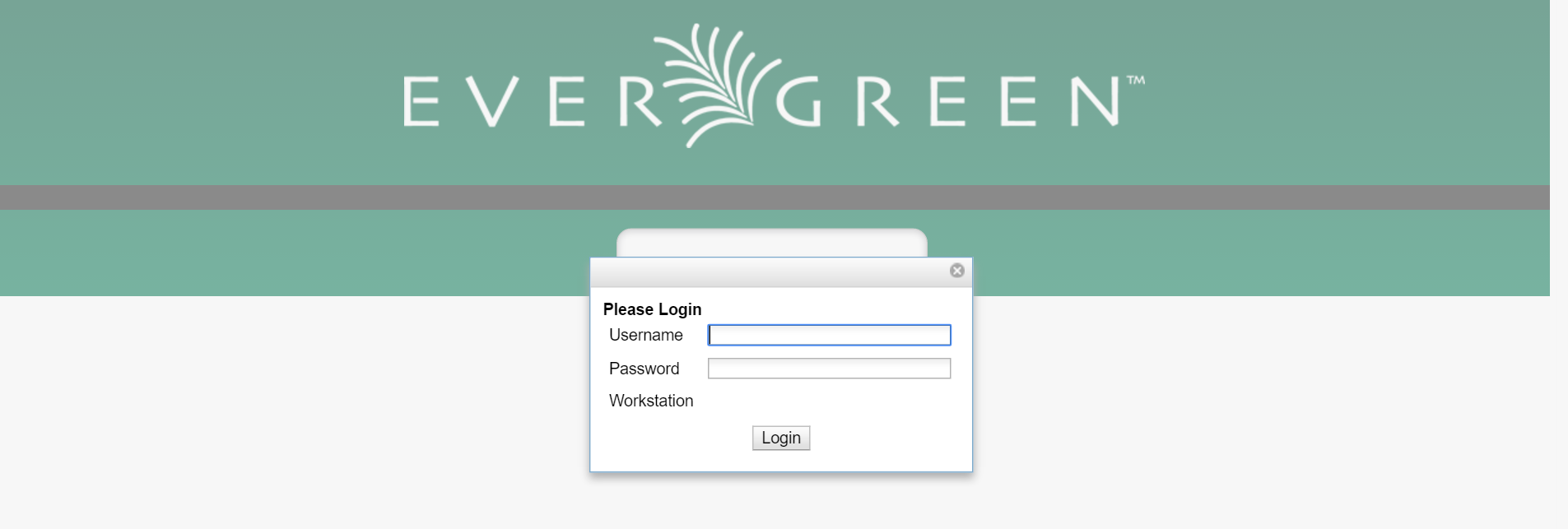
Log in with a staff account with circulation permissions.
Setting library hours of operation
When the self check prints a receipt, the default template includes the library’s hours of operation in the receipt. If the library has no configured hours of operation, the attempt to print a receipt fails and the browser hangs.
Configuring self check behavior
Several library settings control the behavior of the self check:
-
Block copy checkout status: Prevent the staff user’s permission override from enabling patrons to check out items that they would not normally be able to check out, such as the "On reservation shelf" status. The status IDs are found in the
config.copy_statusdatabase table. -
Patron Login Timeout: Automatically logs the patron out of the self check after a certain period of inactivity. NOT CURRENTLY SUPPORTED
-
Pop-up alert for errors: In addition to displaying an alert message on the screen, this setting raises patron awareness of possible problems by raising an alert box that the patron must dismiss before they can check out another item.
-
Require Patron Password: By default, users can enter either their user name or barcode, without having to enter their password, to access their account. This setting requires patrons to enter their password for additional security.
-
Workstation Required: If set, the URL must either include a
?ws=[workstation]parameter, where [workstation] is the name of a registered Evergreen workstation, or the staff member must register a new workstation when they login. The workstation parameter ensures that check outs are recorded as occurring at the correct library. -
Auto-Login with URL: You can add the username and password of the account created in the URL so it auto-logs in. Format should be: domain.biblio.org/eg/circ/selfcheck/main?ws=[workstation]&username=[username]$password=[password] (fill in […] with information).
-
Editing Receipts: These can be found in Administration > Local Administration > Notifications / Action Triggers.
-
Customizing Interface: The files are found in Open-ILS\js\ui\default\circ\selfcheck\selfcheck.js and Open-ILS\web\css\skin\default\selfcheck.css.